




Canadian Freight Coordination Tools for the Logistware Load Board
Logistware is a Canadian load board with freight coordination tools for shippers, freight brokers, carriers, dispatchers and drivers. Use the Logistware Canadian Load Board to post freight, review truck availability, find matching loads, manage bids and counteroffers, assign drivers, exchange shipment documents, communicate and follow awarded loads through delivery.
What Freight Coordination Means in Logistware
Freight coordination in Logistware starts with a shipment or an available truck. Shippers and freight brokers post freight. Carriers can post truck availability, review loads that fit their lanes and equipment, and submit bids. Shippers and brokers can review, accept, reject or counter those offers before awarding the load.
After award, carrier teams can assign the shipment to a driver and keep the parties connected through tracking, chat and document exchange. The Canadian Load Board remains the core product; these tools help users coordinate the same freight from posting through delivery.
- Shippers and freight brokers post shipments and review carrier bids.
- Carriers post trucks, review matching loads and bid on freight.
- Awarded loads can be assigned to dispatchers and drivers.
- Tracking, chat and shipment documents stay connected through delivery.
Freight Coordination Tools for Each Side of the Load
Each freight role gets tools built around the same shipment, helping teams move from posting and matching to award, dispatch and delivery.
Shippers
Post shipments, use supported AI-assisted entry tools, review carrier bids and counteroffers, award loads and follow shipment progress.
Explore Shipper Tools →Freight Brokers
Post customer freight, review carrier interest, manage bids and keep shipment communication, documents and tracking connected after award.
Explore Broker Tools →Carriers & Dispatch Teams
Post truck availability, find freight that fits your lanes and equipment, bid on loads, assign awarded freight to drivers and manage active shipments.
Explore Carrier Tools →
How Freight Moves Through Logistware
The workflow is designed around practical freight steps: publish the shipment or truck availability, review relevant opportunities, negotiate the load, award it and keep the active shipment organized through delivery.
Post Freight or Trucks
Shippers and brokers post shipments while carriers post available trucks.
Review Relevant Matches
Use lane, route and equipment information to narrow relevant freight or truck opportunities.
Bid & Counter
Carriers submit bids. Shippers and brokers can accept, reject or counter offers.
Award the Load
When an offer is accepted, the shipment moves into the awarded-load workflow.
Assign & Track
Carrier teams can assign a driver and follow active shipment progress where tracking is enabled.
Complete Delivery
Drivers can upload proof of delivery, photos and other relevant shipment documents from the mobile app.
AI Assistance for Practical Load Board Tasks
Logistware includes AI-assisted tools designed to reduce repetitive freight work. Supported document-assisted entry can help create shipment details from uploaded PDFs or EDI Advanced Ship Notice documents, while route-aware tools can help users review relevant freight or truck availability along a lane.
Keep the Shipment Organized Through Delivery
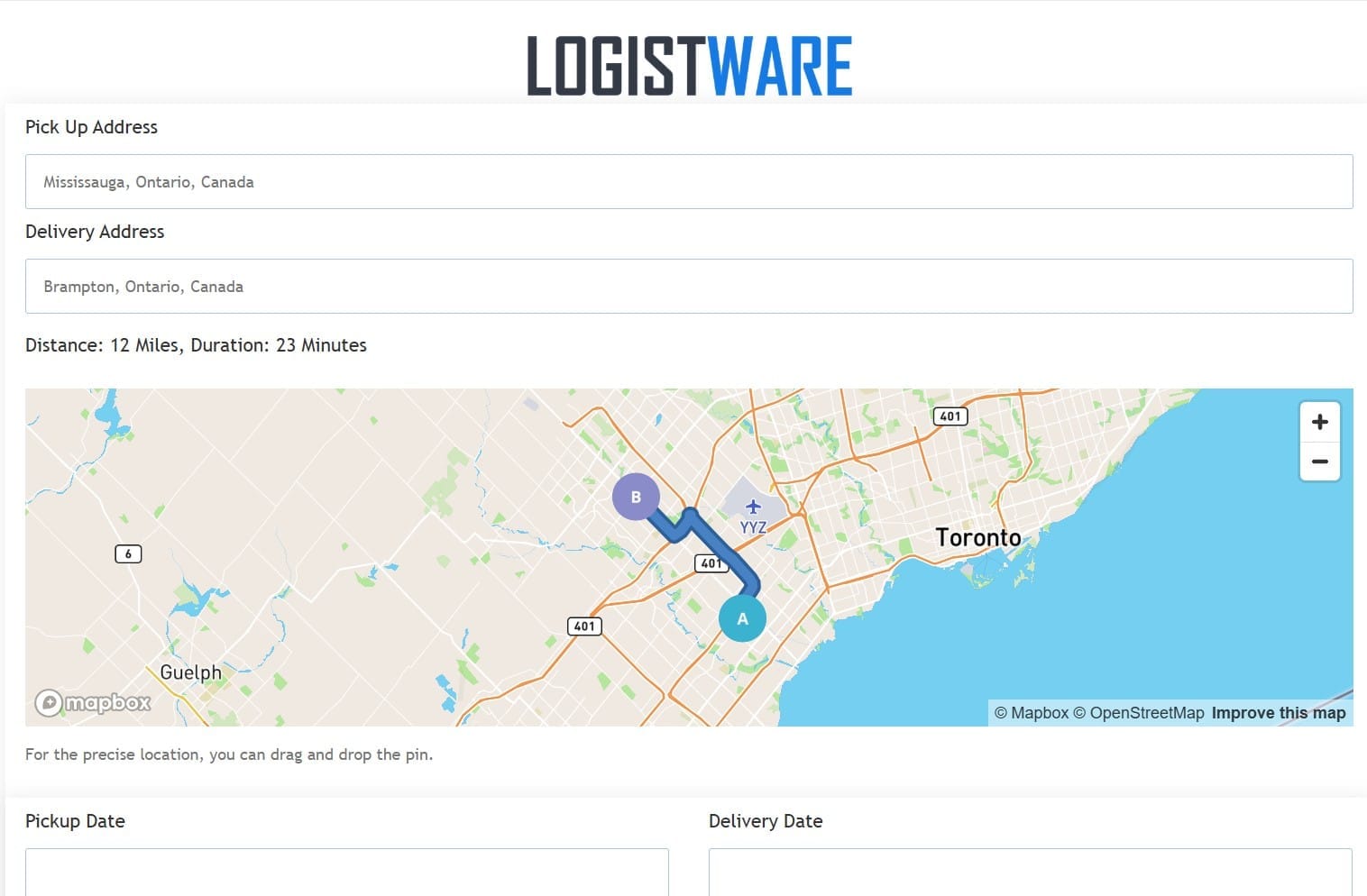
Finding and awarding freight is only part of the workflow. Logistware keeps useful shipment tools connected after the carrier has the load.
Connected Tools for Canadian Freight Teams
Canadian Freight Tools for North American Lanes
Logistware supports freight activity across Canada, the United States and Canada-U.S. cross-border lanes. The Logistware Canadian Load Board can be used with a broad range of common truck and equipment types, including dry van, reefer, flatbed, hot shot, Sprinter van, LTL and heavy-haul freight.
Questions About Canadian Freight Coordination Tools
What does Logistware provide for Canadian freight teams?
Logistware provides a Canadian load board and connected freight coordination tools for shippers, freight brokers, carriers, dispatchers and drivers.
What does freight coordination mean inside Logistware?
It includes posting freight or truck availability, reviewing relevant opportunities, bidding and counteroffers, awarding loads, assigning drivers, tracking, live chat and document exchange.
Can shippers and freight brokers post freight?
Yes. Shippers and brokers can create shipment postings, receive carrier bids and accept, reject or counter offers before a load is awarded.
Can carriers find loads and post available trucks?
Yes. Carriers can post truck availability, review shipment opportunities that fit their lanes and equipment, and submit bids on freight they want to move.
How does AI assist with freight coordination?
Supported AI-assisted tools can reduce repetitive shipment entry and help users work with route, lane and shipment information during the load-board workflow.
What happens after a load is awarded?
Carrier teams can assign the load to a driver and use applicable tracking, chat and document tools as the shipment moves from pickup through delivery.
Does Logistware support Canada-U.S. freight?
Yes. Logistware supports Canadian, U.S. and cross-border freight activity. The responsible transportation parties remain responsible for applicable customs, authority and regulatory requirements.
What equipment types can be used with Logistware?
Common examples include dry van, reefer, flatbed, hot shot, Sprinter van, LTL and heavy-haul equipment. Availability depends on the freight and capacity posted by members.
Coordinate Freight With the Logistware Canadian Load Board
Post freight, review relevant loads or trucks, manage bids and counteroffers, assign drivers and keep awarded shipments connected through tracking, chat and documents.
